When a challenge reaches its end date, a few things happen behind the scenes before final results are locked in. Here’s what to expect so you’re not caught off guard.
Certificates
If your HR admin enabled certificates for the challenge, they are auto-generated once results are finalized.
Certificates use a Vantage Fit template and can include:
- Your company’s logo
- A company signature (if configured by admin)
- Your name and achievement details
- The challenge name and duration
You don’t need to do anything to get your certificate — it’s created for you automatically.
Tip: Not all challenges have certificates enabled. If you don’t see one after a challenge ends, it means your admin chose not to include certificates for that particular program.
Where to Find Your Results
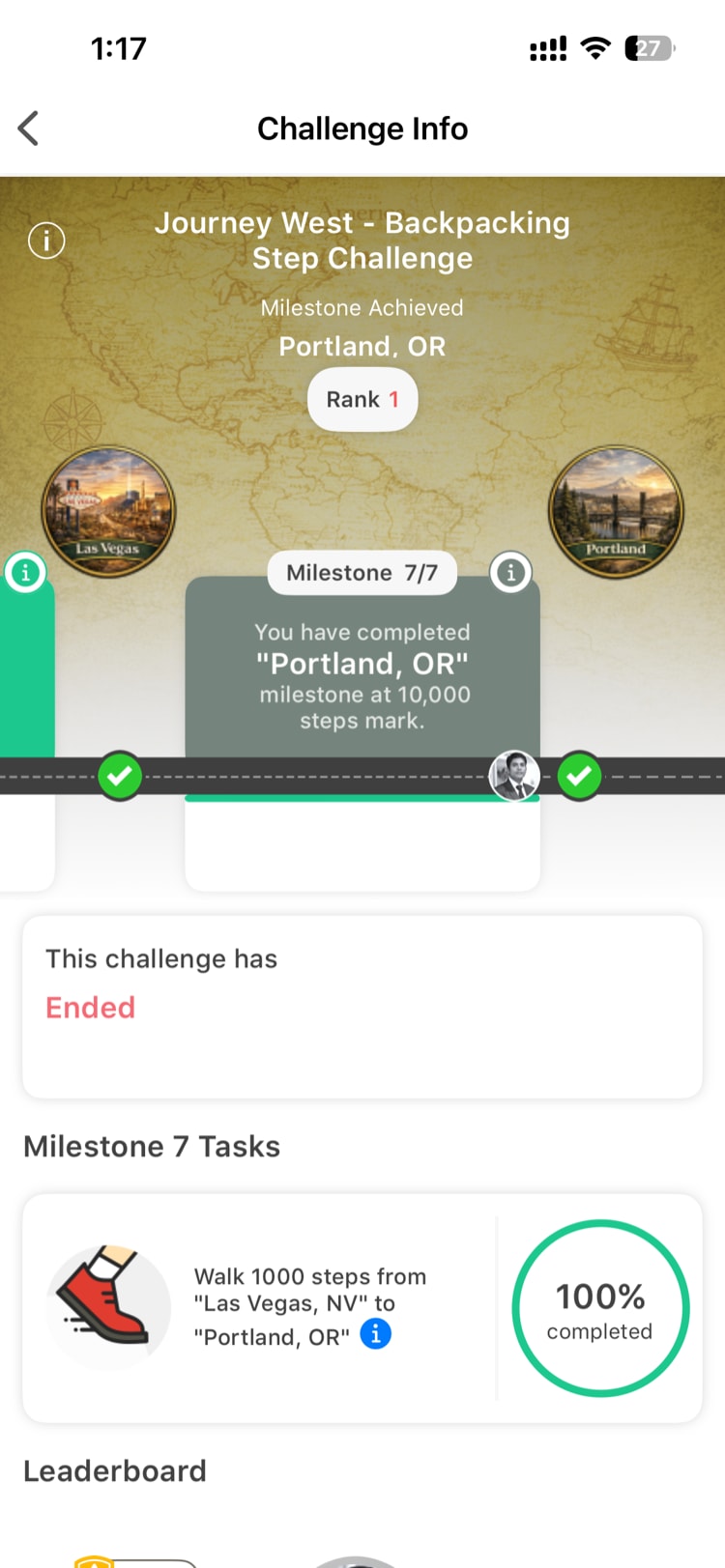
Once a challenge ends, it moves from the Active tab to the Past tab in your Challenges section. Your results are stored there indefinitely — you can go back and view them at any time.
In the Past tab, you’ll find:
- Your final ranking (for competitive challenges like Races)
- Your total progress and completion percentage
- Individual task completion details
- Your certificate (if applicable)
How Top Performers Are Recognized
After a challenge wraps up, your HR admin reviews the results and selects top performers for recognition. This might include:
- Reward points distributed to top finishers
- Shoutouts on the company social feed
- Additional prizes or incentives determined by your company
The specific recognition approach varies by company and challenge. Your admin will typically communicate how winners are selected before the challenge begins.
Points and Rewards
Throughout the challenge, you may have earned points for completing tasks, hitting milestones, or maintaining streaks. These points are credited to your Wallet and remain there after the challenge ends.
Any final point awards (for overall completion or leaderboard placement) are typically processed after results are finalized.
What You Should Do When a Challenge Ends
- Make sure your device syncs — Open Vantage Fit and let it sync with your health data source to ensure all your steps and activities are captured
- Check the Past tab after a few days to see your final results and download your certificate
- Look for the next challenge — check the Active tab or watch for announcements about upcoming programs
Need more help? Contact support from Settings → Help in the app.
Related articles: