My Health is your personal health summary inside Vantage Fit. It brings together your weight tracking, fitness goals, health assessments, and lab reports — giving you a clear view of your overall wellness.
Note: My Health is available in Full Mode only. If your company uses Lite Mode, this section won’t be visible. See What is Lite Mode? for details.
What’s Inside My Health
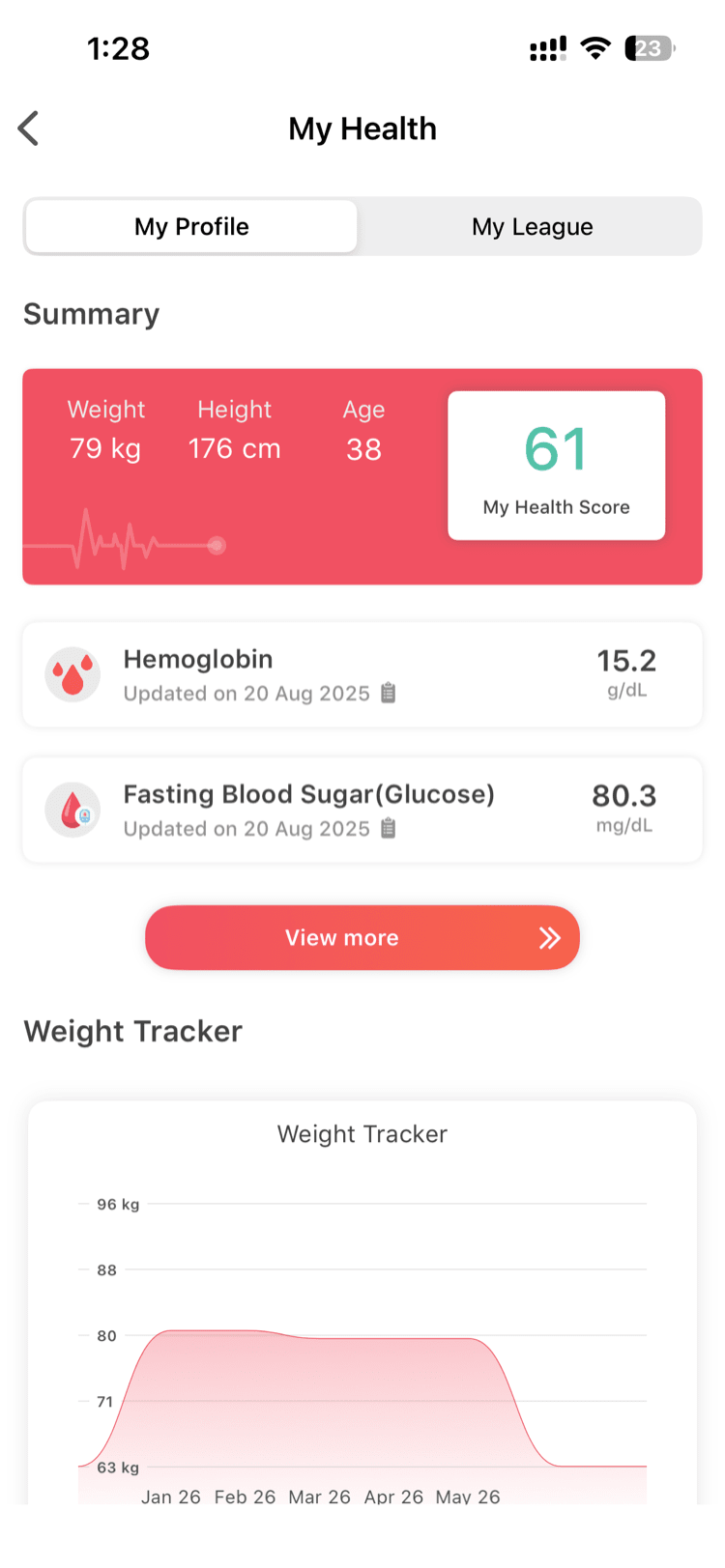
Weight Graph
Track your weight over time with a visual graph. Log regularly to spot trends — the graph also feeds into your BMI and lifestyle calculations automatically.
Goals & Lifestyle
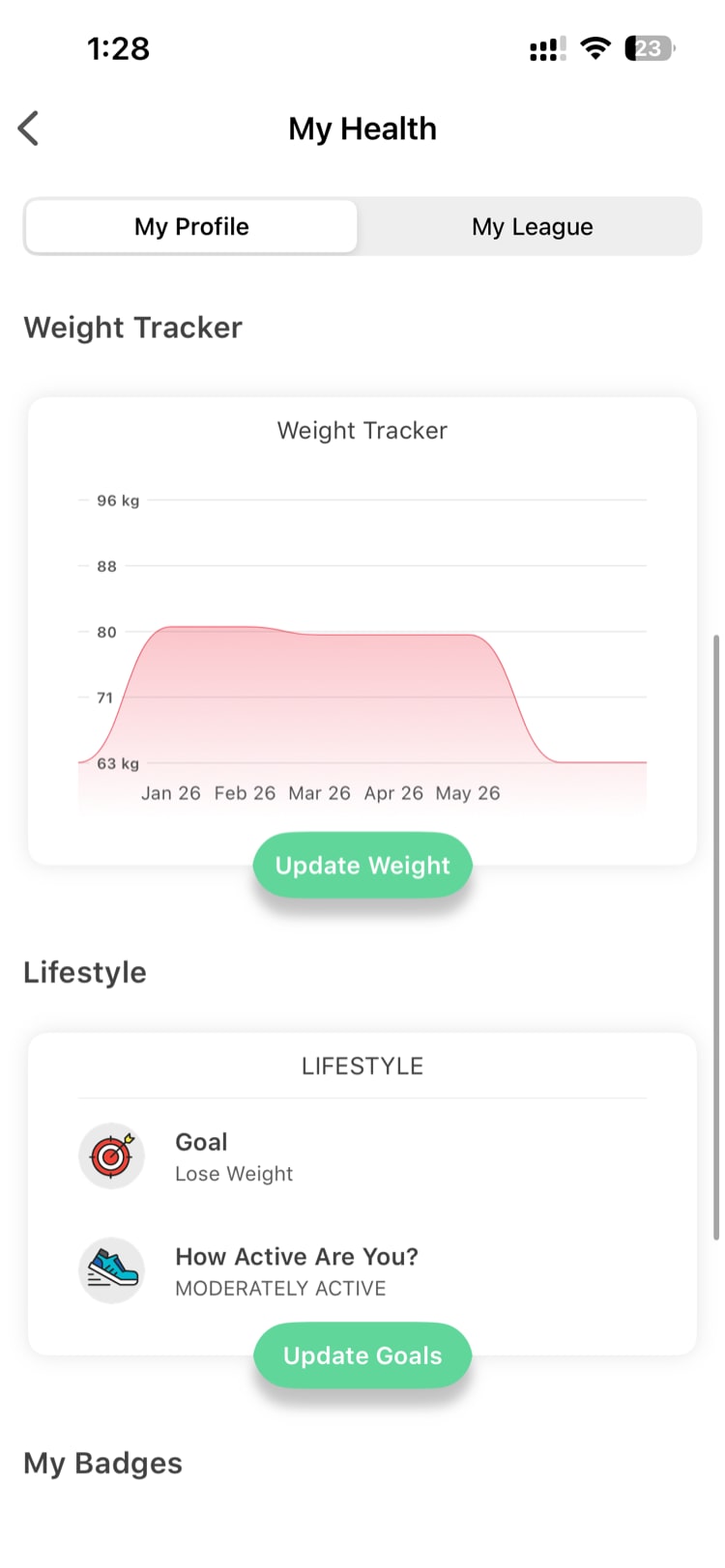
- Fitness goal — what you’re working toward (e.g., lose weight, gain muscle, stay active)
- Activity level — how active you are daily (sedentary, lightly active, moderately active, very active)
- BMI — calculated from your height and weight
- Ideal weight range — based on your height, age, and gender
Goals and activity level are editable from your Profile.
Health Risk Assessment (HRA)
A health questionnaire that gives you a fitness score from 0 to 100%. Answer questions about your lifestyle, habits, and daily routines, then retake it periodically to track improvement.
Lab Report Upload
Upload your medical lab reports and get a clear breakdown of your health markers.
- Tap Upload Lab Report in the My Health section.
- Take a photo or upload a PDF of your lab report.
- The app reads your report automatically and identifies 100+ biomarkers — cholesterol, blood sugar, thyroid levels, vitamin levels, and more.
- Each biomarker is flagged as Normal or Out of range (with a risk level of low, moderate, or high).
Health Summary
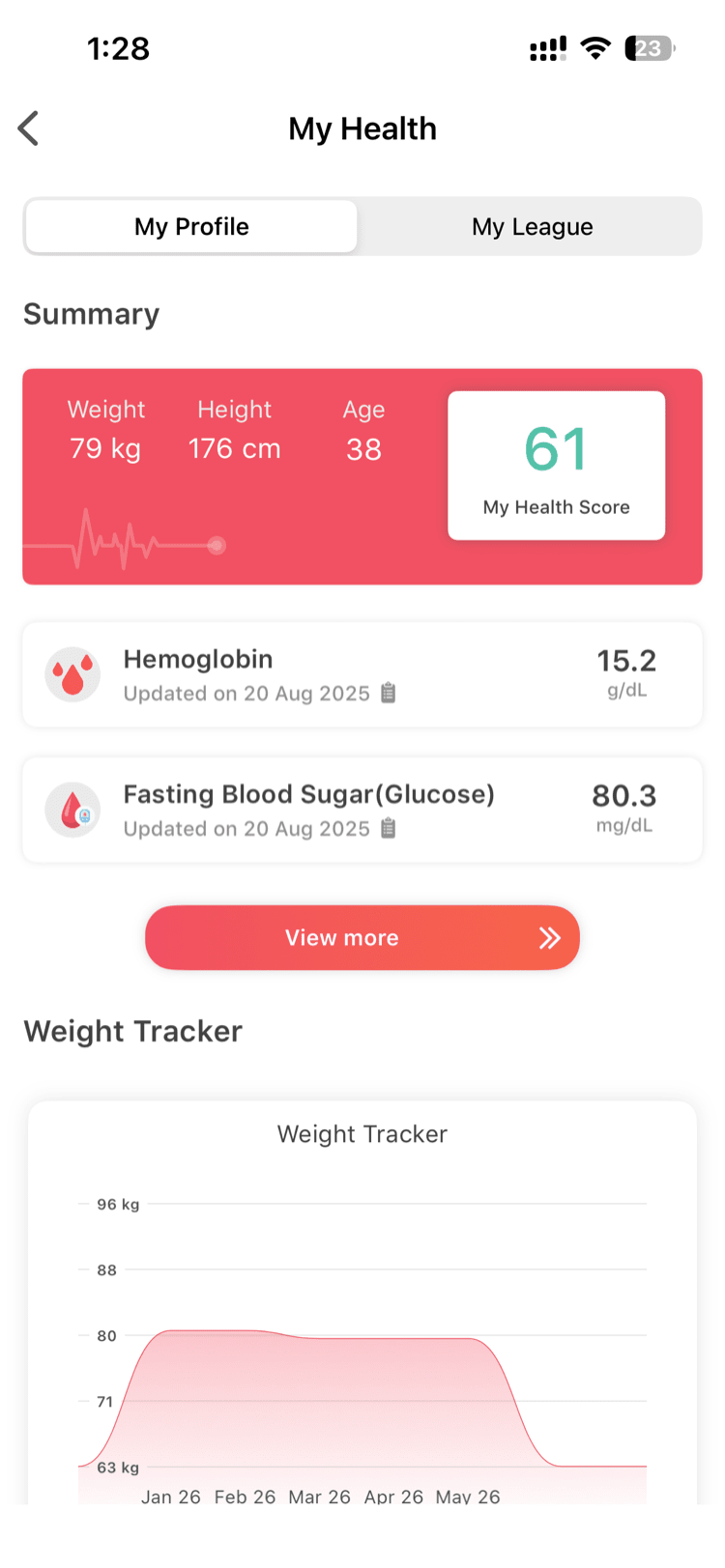
Pulls together data from all the sections above — weight trends, goals, HRA score, and lab results — into a single overview.
Your Privacy
Your health data in My Health is personal and private.
- You see: Your complete health profile — all your data, all your reports
- Your admin sees: Only aggregate metrics (e.g., “42% of employees completed the HRA”) — never your individual health data, lab results, or HRA answers
- Lab reports: Used only to extract your biomarker data. They are not shared with other users or your employer.
Need more help? Contact your HR admin or reach out to support via the Help option in the app menu.
Related articles: